Access Your Grades
Access your midterm and final grades faster and easier on myBHC.
Access Your Grades Online
- Log in to myBHC by entering your username and password. You were sent a letter that contained this information. If you have misplaced this letter or if you need assistance, use the links on the login screen or call the ITS Helpdesk at 309-796-5555 or 1-800-334-1311, ext. 5555.
- Once you’re logged in, click on the My Student Profile tile.
- From the left menu click on Academic Transcripts
- From the next screen choose either Midterm Grades or Final Grades.
More To Explore
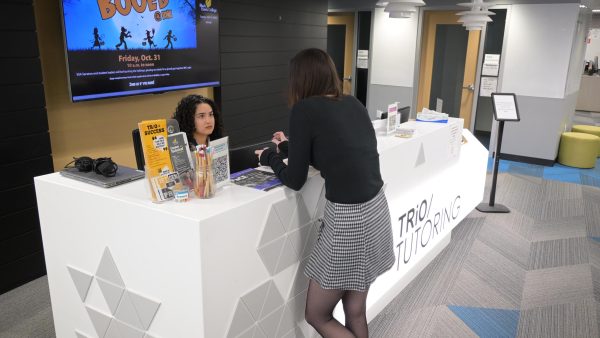
Tutoring
All Black Hawk College students have access to free tutoring. Start early in the semester and come often. We’re here for your academic success!

Advising
Whether currently enrolled or thinking about attending, you can count on BHC educational advisors year-round.

Graduation and Commencement
All graduates must complete the Black Hawk College Graduation Application.
Contact
Quad-Cities Campus
Building 1, Advising Center
309-796-5100
advqc@bhc.edu
Monday – Friday, 8 a.m. to 5 p.m.
Evenings by appointment
East Campus
Building A, Room 246
309-854-1709
Monday – Friday, 8 a.m. to 5 p.m.
Evenings by appointment